This is a fix to the issue – Purge APNs certificate data in SCCM SQL Database
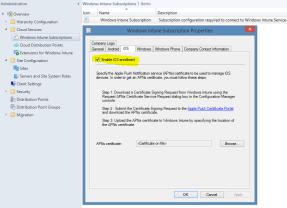
In Configuration Manager, disable iOS inside of the Windows Intune Connector.
Go to “Administration > Cloud Services”
Right click the Intune subscription in the right pane and select “Properties” to get a popup window.
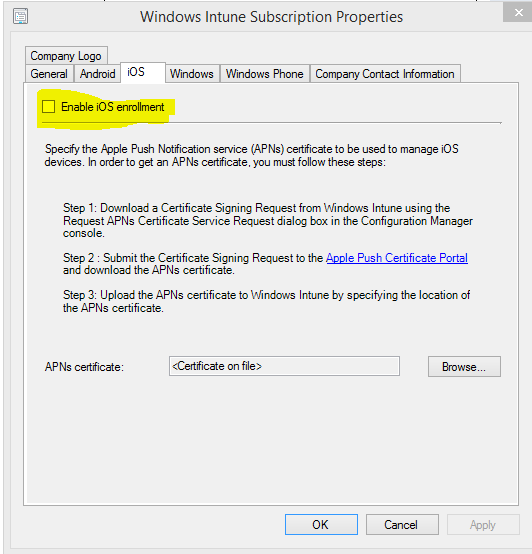
On the “iOS” tab, uncheck “Enable iOS Enrollment”.
On your SCCM SQL server login with a service account that can Read and write to the SCCM Database and run the script listed.
- update SC_ClientComponent_Property set Value2 = ” where Name like ‘%APNS%’
- delete from MDMPolicy where PolicyType = 7
- delete from MDMPolicyAssignment where PolicyType = 7
- update SC_ClientComponent_Property set Value2 = ” where Name like ‘%APNS%’
- delete from MDMPolicy where PolicyType = 11
- delete from MDMPolicyAssignment where PolicyType = 11
DELETE Drs_Signals
On your primary SCCM server recreate APNs Certificate request again


 Ayo Dada's Blog
Leave a comment